Kizz Vape
1 / 5
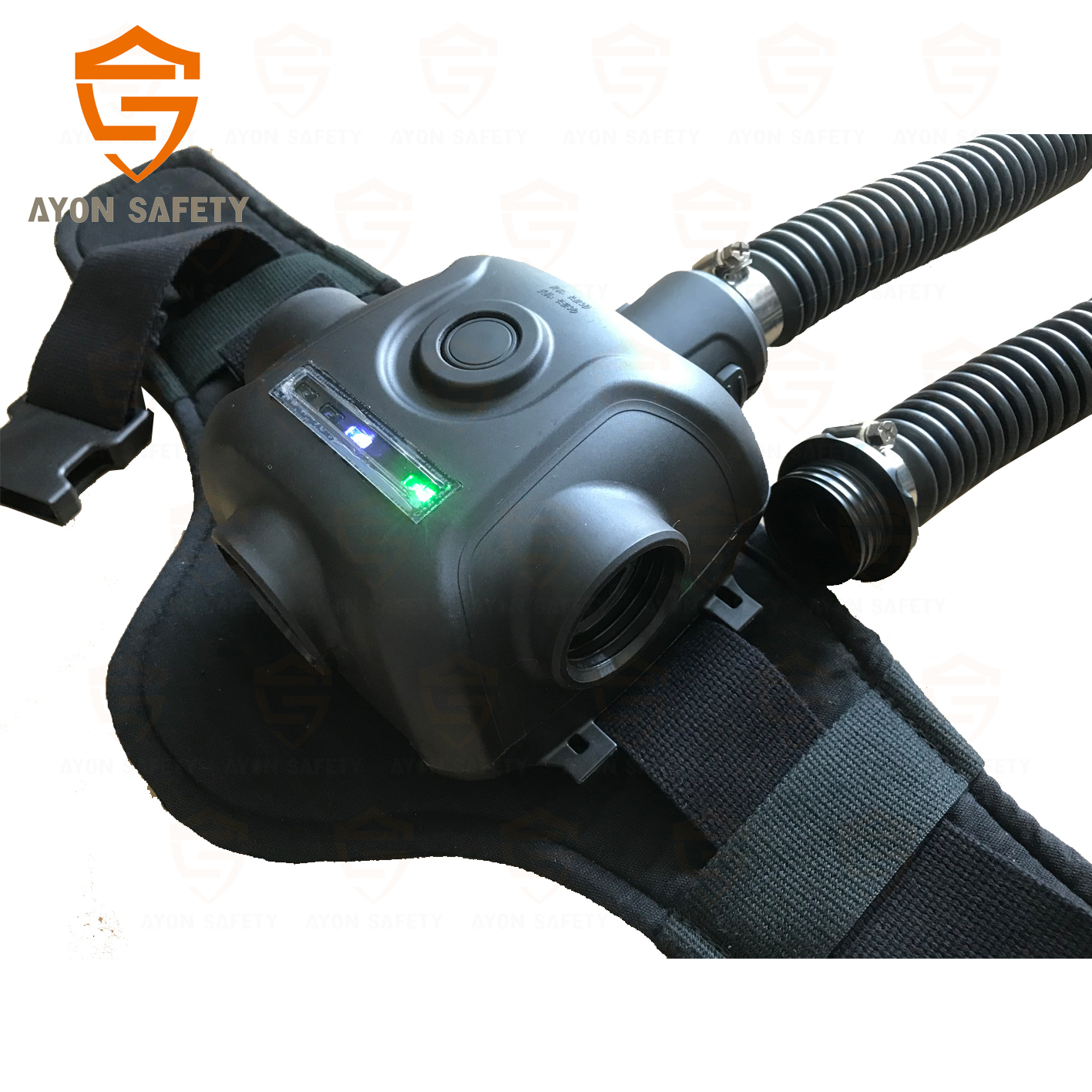
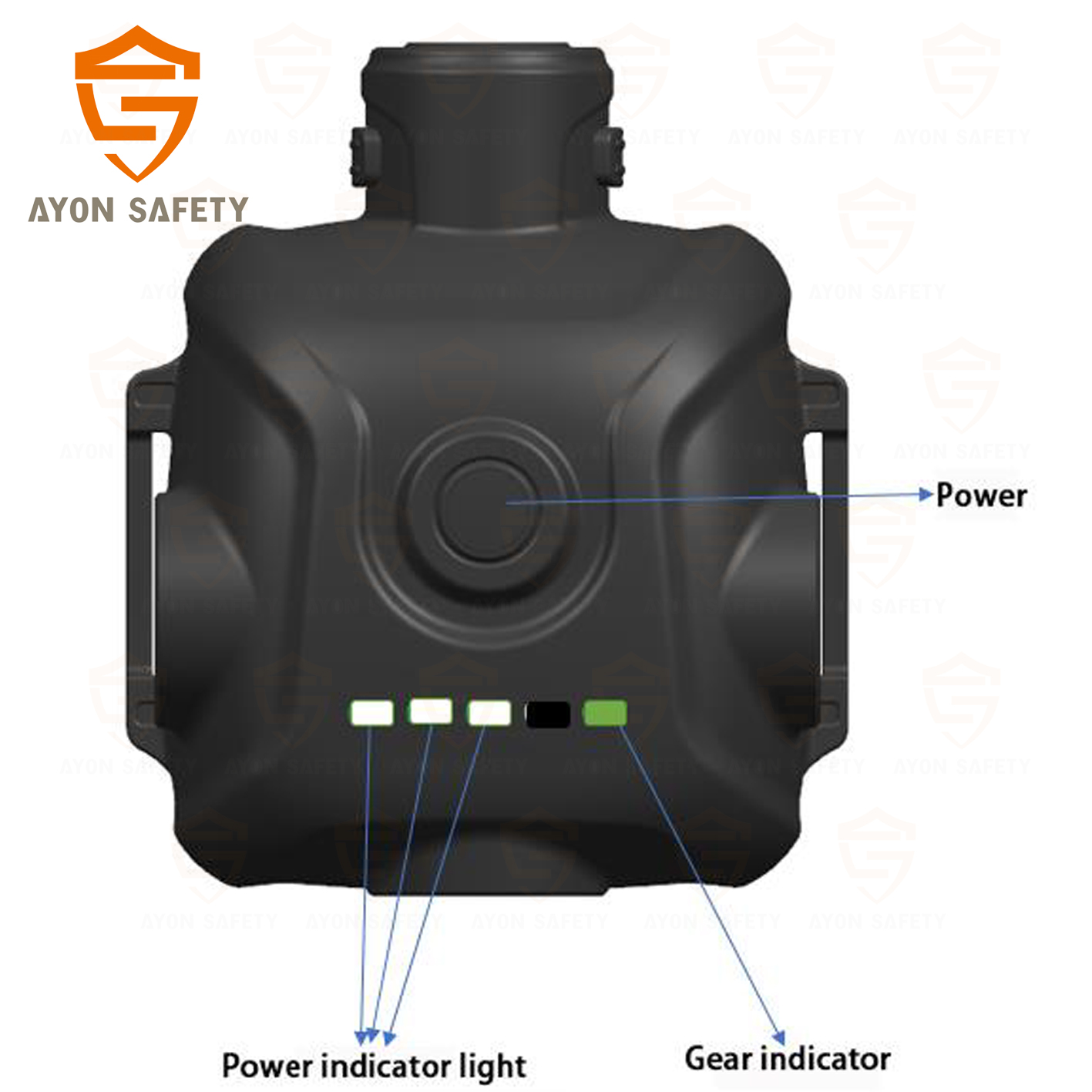
Long press the power button 3s to boot, enter the low-end working state.
Press the power button for 3 consecutive times to turn off, stop working, and all indicator lights are off.
There are 4 indicator lights in total, 3 of which are white and green indicating the power level.
When the battery is fully charged, the three-digit indicator light (white) is fully illuminated, and the indicator lights are extinguished one by one as the usage time increases. When the remaining 1 white light flashes, please pay attention to charging.
When charging, the first white light flashes, the first grid is long after 1 grid is filled, the second grid white light is flashing, and so on, and finally the three grid white lights are on, indicating that the battery is fully charged.
You can start the system by long pressing the power button for 3 seconds. The device will then boot up and enter the low-end working state.
Press the power button 3 consecutive times to turn off the device. It will stop working, and all indicator lights will turn off.
There are a total of 4 indicator lights, with 3 of them (white and green) designed to indicate the current power level.
The indicator lights will turn off one by one as the usage time increases. When only 1 remaining white light is flashing, it is a reminder that the device needs to be charged.
During charging, the first white light flashes and stays solid once filled, then the second white light flashes, and so on. Finally, all three white grid lights will stay on, indicating the battery is fully charged.